Your vector design in 3D at true scale
Check thickness, fit, and layer order before cutting — save material and time without extra prototypes or blind tests. Ideal for multi-layered work.
Test before you cut, paint, glue, weld…
Design in 2D. Visualize in 3D.
You used to need two versions of the design.
Now you work with just one: the one you'll cut.
Give your design depth
Straight from your SVG
Drag your SVG in and turn it into a layered 3D model in seconds.
Recreate depth, proportions, and finishes before manufacturing, when it's still
cheap to fix.
And when you're sure, view it in your space from your phone
— ideal for signage, dimensional letters, laser cutting projects, and layered decor.
In your physical space
At true scale
Place it at true scale in your environment and validate how it feels before
producing.
It's not just size: it's presence, impact, and fit.
Especially useful in signage: check it on site and take screenshots or
video
for the proposal.
You can also place past projects in the client's space to compare options and
facilitate the decision.
Present your design clearly
Realistic images in minutes
Integrate your design into a real photo and adjust framing, scale, and perspective without
complications.
Get clear, realistic images ready for proposals, quotes, or catalogs.
Professional results — without Photoshop or rendering tools.
Simple enough that you can focus on selling the idea, not preparing the image.
No matter if you work in
Illustrator
Export as SVG and drag it into NearSolid.
Just a couple of simple layer rules.
See how
See it in Action!
From design to real space, in seconds.
Useful features that make a difference
Details that save you mistakes, time, and material in day to day work
-
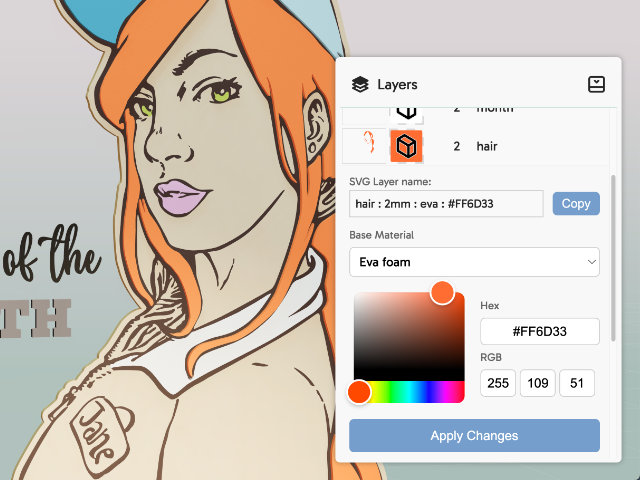
Customize layer properties
Try different finishes, thicknesses, and material combinations without redoing the design or making prototypes.
-
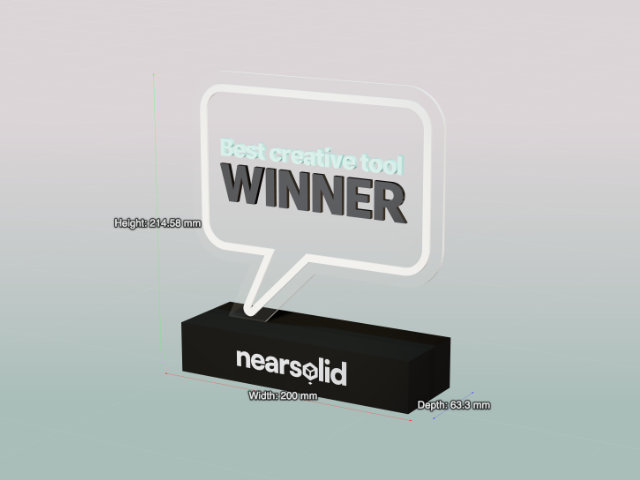
View dimensions
Check measurements and proportions in real time to avoid scale errors before producing.
-
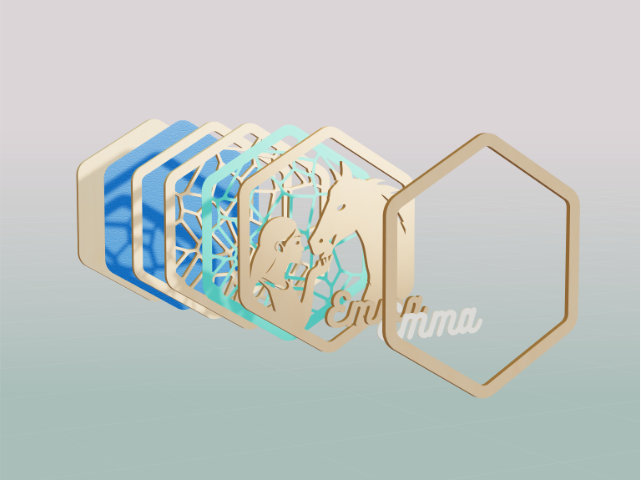
Layered exploded view:
Visually separate the design to check stacking order, thicknesses, and materials. Ideal for understanding how the project is built, detecting errors, and clearly explaining what goes in front, what goes behind, and how it fits together before manufacturing.
-
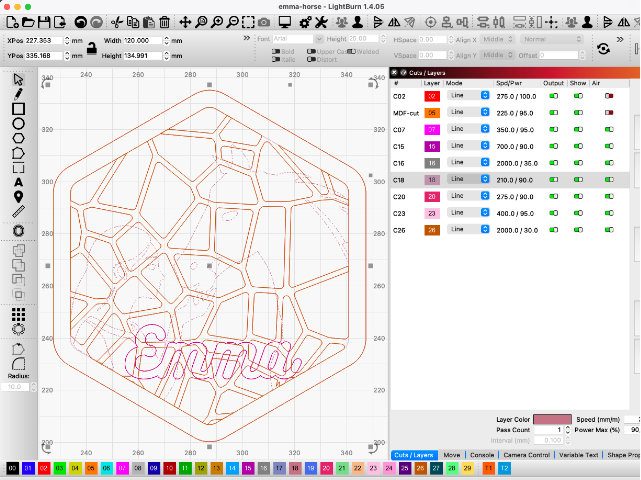
Export for LightBurn:
Export a cleaner SVG: grouped layers and clear names to save time when preparing the file for cutting in LightBurn.
-
3D model download:
Download the 3D model to share it, review it in other environments, or use it in AR.
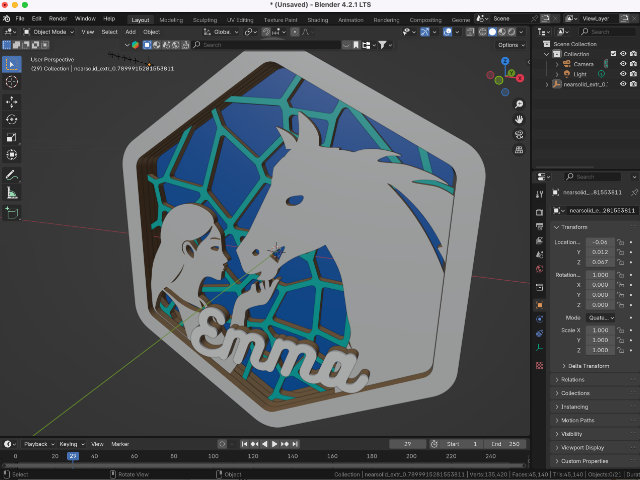
Built for creators. Ready for business.
Design in your favorite vector tools, export as SVG, and bring it to life with NearSolid. As a maker, you know how valuable it is to save hours of work and material.
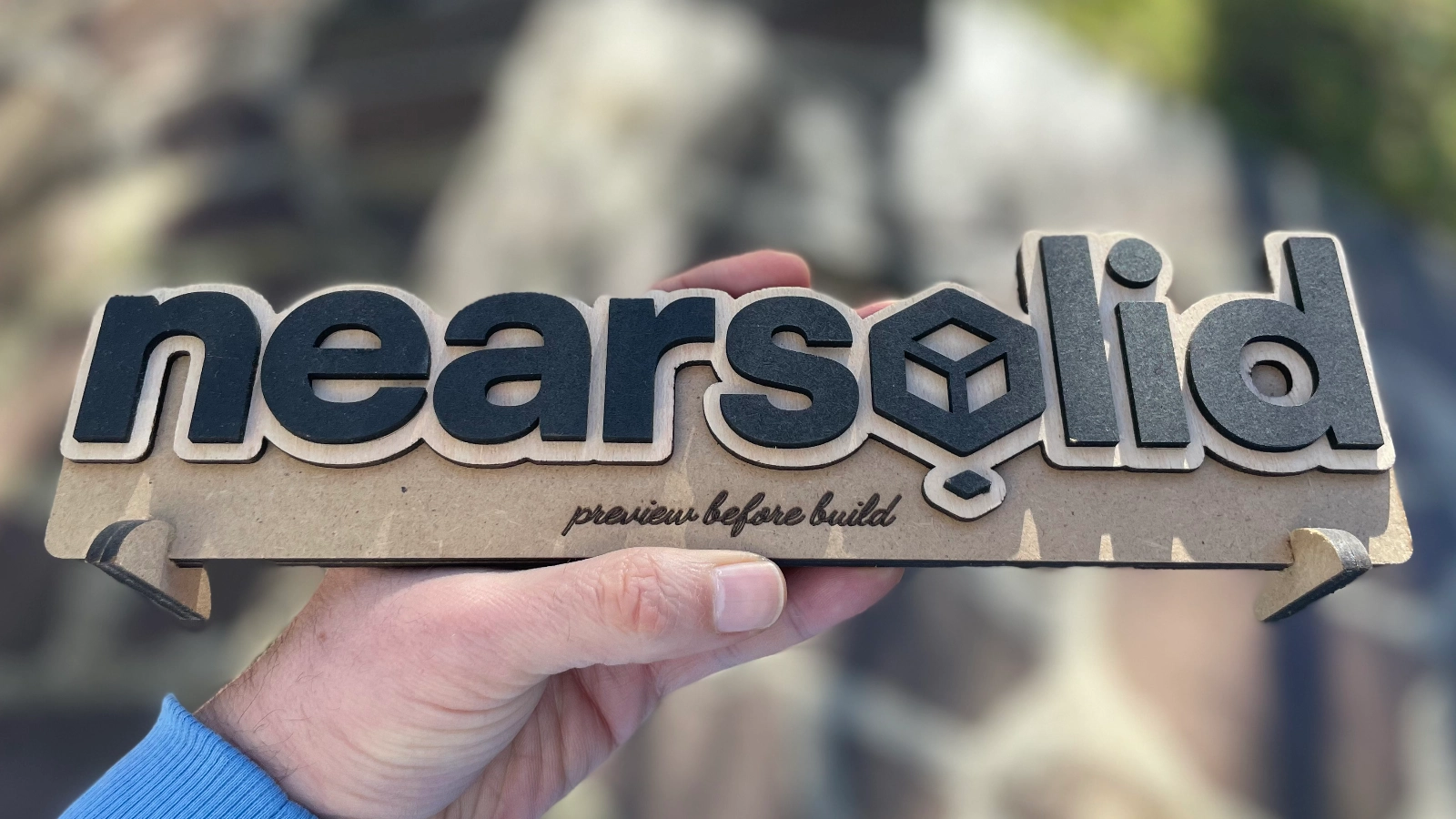
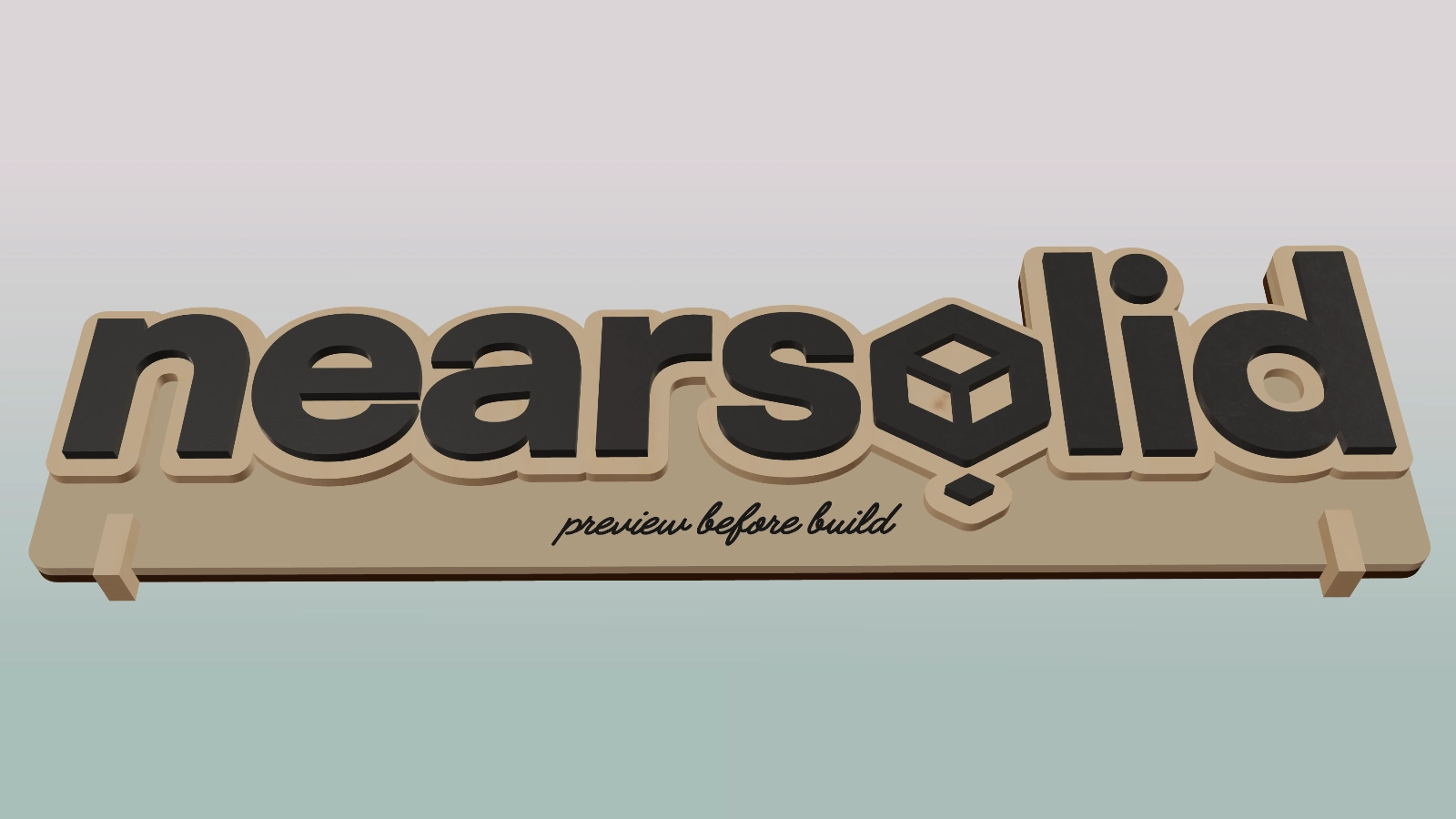
With NearSolid, you can preview your project in 3D before producing it and show it to clients with clear, credible images — reducing iterations, time, and material before the final prototype.
Start free. Unlock everything
Sign up and get full access to NearSolid Pro for 14 days – no credit card required.
Free Plan
After trial – great for testing or light use
- 3D Previews
- Change materials
- Basic Features
- AR View
- Export SVG/3D
- Includes Watermarks
Pro
Per month billed monthly.
- Unlimited 3D Previews
- AR View
- Export SVG/3D
- No Watermarks
- Priority access to new features
Pro Lifetime
Only 49 seats available!
Early Bird Special
- All Pro features
- Lifetime access – no renewals
- Future updates
- Priority support
- Early adopter badge
Design in your favorite app. Visualize it here in 3D. Try everything free for 14 days — no installs needed.
What our users are saying
- “ It really changed the way I work. I used to keep two versions of every design: one clean version to send to LightBurn, and another ‘nice looking’ one, with colors and shadows, to show clients (or my wife). Now, using NearSolid to preview, I just work with a single design in Illustrator. ”
- “ I have been a designer for years and I am very comfortable with vector work. But every time I wanted to see an idea in 3D, it was the same story: open Blender, import it, extrude it, move stuff around, remember the controls, fight with it for a bit… and if I had to change anything, back to square one. With NearSolid I can see it instantly and just keep designing. ”
- “ Simple and elegant. It just works. I really like that it is browser based. In the studio I use a Mac with Safari, and in the workshop we use Windows with Edge. I keep all the projects in a Google Drive folder and can work on them from anywhere. ”
- “ I run a signage workshop and we also do quite a bit of laser and CNC work. It has become our go to way to show ideas to clients. The designs are clear and easy to understand, and most questions are gone before we start building. ”
- “ This has saved me a lot of hours. Before, I had to jump into Photoshop just to visualize layered pieces, add some fake shadows… Now I can see it directly in NearSolid and get a pretty good idea of how it will look. It is a big change in my day to day work. ”
- “ This is awesome. I honestly cannot believe you can see your design right there, almost like it is already real. ”
Stay updated
Be the first to know when we launch — plus tips, tricks, and inspiration for laser cutters and layered design pros.